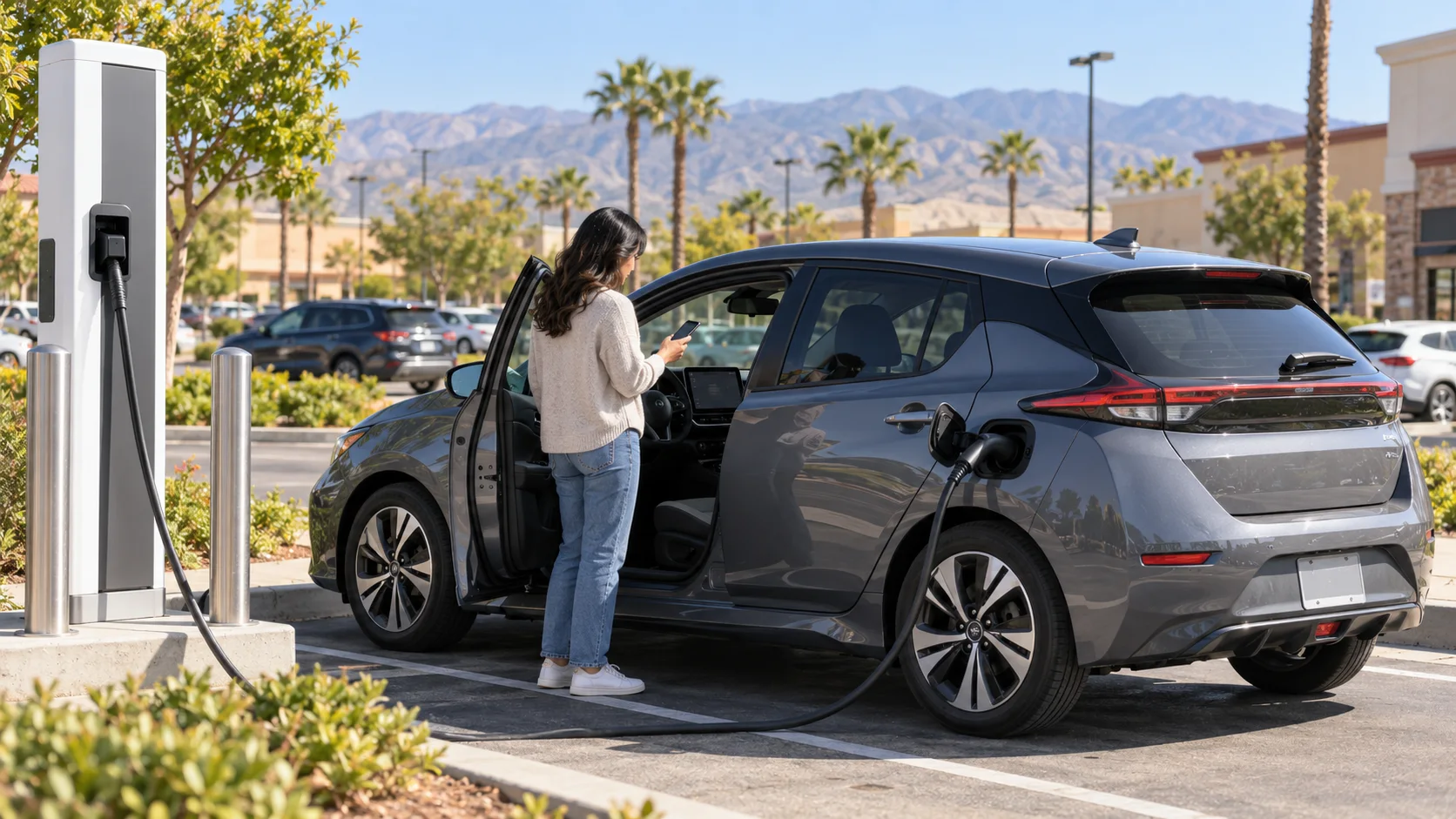
When a Nissan LEAF is not charging, do not assume the traction battery or the home circuit has failed. Nissan’s own troubleshooting guide treats “will not charge” as a symptom with several possible causes: the charge limit may already be reached, the 12V system may not wake the car, the power source may be unavailable, the connector may not be seated, a schedule or current setting may intervene, or the vehicle or charger may show a fault. Start by confirming the model year because the redesigned 2026 LEAF does not share every charging control or connector procedure with the 2025 model.
Check the model year before following instructions
The 2025 and 2026 LEAF belong in separate manual paths. Nissan’s 2025 LEAF Owner’s Manual warns that features and procedures can vary by trim, options, production date, region, and availability. The redesigned 2026 car has its own charging hardware and controls.
That means a 2025 video should not control a 2026 connector-lock or DC charging problem. It also means 2026 Plug & Charge instructions should not be projected backward onto a 2025 LEAF. Select the correct year in Nissan’s manual library and use that manual for the port, lock, timer, and indicator details.
The decision tree below is intentionally shared only at a high level. Where the controls differ, the exact year’s manual wins.
1. Confirm the battery is not already at its limit
First read the vehicle’s displayed state and configured charge limit. A session may not begin because the battery has reached the limit the vehicle was told to use. This is different from a charger fault.
If the car is awake, review its charging screen for the target, schedule, and any current limitation. Do not change several settings at once. Confirm the present values, make one relevant correction if the manual calls for it, and retry. That preserves a useful clue if the same refusal returns.
2. Make sure the LEAF can wake on 12V power
The 2026 Nissan LEAF Owner’s Manual states that the high-voltage battery cannot be charged when a discharged 12V battery prevents the vehicle’s electrical systems from turning on. A large battery with remaining energy does not bypass that requirement.
If the displays, locks, and charging controls do not wake normally, pause the charging diagnosis. You may have a low-voltage problem rather than a bad charging source. Nissan LEAF will not start: what to do covers that separate symptom. Use only the jump points and sequence in the owner manual for the exact car. Do not probe the traction-battery system or orange high-voltage components.
3. Check source power and connector seating
Look at the charger or EVSE status before touching a breaker or opening equipment. Is the unit powered? Does it display a fault? Does another obvious load show that the property has power? At a public station, read both the charger display and the vehicle warning.
Then end the attempt and disconnect normally. Inspect the handle and inlet without touching pins. If nothing appears damaged or unsafe, reconnect it fully using the procedure for that model year. Nissan’s NissanConnect support uses unplugging and reconnecting as an initial check and tells drivers to review the app for an error communication. Reseating is a test, not a promised fix.
If a public unit still will not start, what to do when a public EV charger is not working helps separate a station problem from a car problem. Do not repeatedly force a connector that will not seat.
4. Review schedules and current settings
A charging schedule can make a correctly connected LEAF wait. A current limit can also change how the session behaves. Read the car’s charging screen and the correct owner manual before overriding anything.
For an overnight failure, record the start and end schedule, charge target, and any message on the wall unit. An EV was plugged in overnight but did not charge gives a broader morning checklist. The useful evidence is what the vehicle and charger reported, not a guess about which device failed.
On the 2026 LEAF, DC fast-charging checks can include connector insertion, restarting after a stopped session, charger self-diagnostics, vehicle power state, Plug & Charge compatibility, timers, and connector locking. Those are 2026 manual items. Do not apply that exact list as a 2025 connector procedure.
5. Stop when a warning identifies a fault
Nissan directs the driver to stop charging when a warning is displayed and to check the relevant vehicle and charger indications. A warning is not an invitation to keep reconnecting until current flows.
Photograph or write down the vehicle message, charger message, indicator state, location, and whether AC or DC charging was attempted. If two known-working charging sources produce the same vehicle warning, that pattern is useful for Nissan service. If only one station fails and the LEAF accepts another, report the failed equipment to its network.
Stop immediately if the plug, cable, inlet, or surrounding area is visibly damaged, unusually hot, or otherwise unsafe. Do not open the charger, the EVSE, or the vehicle’s high-voltage system. Electrical repair and vehicle repair are outside Charge Pro IE’s referral scope.
If the failed session leaves you without usable range
A charging fault can become a roadside problem when the battery is too low to reach another working source. Non-Tesla EV rescue is the local referral path. Charge Pro IE connects drivers with independent operators. The operator decides what work is appropriate, provides the quote, and bills the driver directly. Charge Pro IE does not diagnose or repair a LEAF, charger, outlet, or electrical panel.
For a clear comparison of the next transport decision, read mobile charging versus a flatbed tow. If the LEAF accepts a different charging source, finish the trip and arrange follow-up for the original fault rather than assuming it cured itself.
Frequently asked questions
Can a dead 12V battery stop a Nissan LEAF from charging?
Yes. Nissan’s 2026 manual says the high-voltage battery cannot charge if a discharged 12V battery prevents the vehicle electrical systems from turning on. Treat a LEAF that will not wake as a low-voltage symptom first.
Are the charging steps the same for a 2025 and 2026 LEAF?
No. The redesigned 2026 LEAF has its own charging hardware, controls, and DC charging guidance. Use the owner manual for the exact year and do not carry 2026 Plug & Charge or connector instructions back to a 2025 car.
Should I keep reconnecting after a warning appears?
No. Nissan directs the driver to stop charging when a warning is displayed and check the vehicle and charger indications. Save the exact messages and seek the appropriate charger-network or Nissan service path.