A Model Y battery warning can raise an expensive question fast. Your answer depends on the coverage attached to your specific vehicle, not a warranty figure copied from an old article.
Battery coverage is separate from basic vehicle coverage
Start by identifying which coverage section you’re reading. Don’t treat every reference to a Tesla warranty as battery coverage.
Tesla battery warranty terms for the Model Y couldn’t be confirmed from a readable primary source for this page. That includes time limits, mileage limits, capacity thresholds, exclusions, and trim-specific differences. Published figures from memory or secondary websites aren’t a safe substitute.
Open the current warranty document connected to your vehicle. Check the Tesla app and the documents supplied with the car. Match the document to the Model Y’s vehicle identification number, configuration, and original in-service date. Those records matter more than a general search result.
Look for headings that separate battery coverage from other vehicle coverage. Read the definitions and exclusions around the battery section. Don’t assume the same limit applies to every Model Y configuration or production period.
Our broader guide to Tesla battery warranty questions for Inland Empire owners explains why vehicle-specific documents matter. The related basic warranty and battery coverage guide can help you organize the different coverage questions.
Charge Pro IE isn’t Tesla and doesn’t interpret warranty contracts. We also can’t approve or deny a claim. Tesla or the party administering your current warranty must make that decision.
The safest Model Y warranty check is simple: find the document tied to the car, identify the relevant coverage section, and save a copy before requesting service.
Confirm which battery problem the warning describes
“Battery problem” can describe several different situations. Write down the exact warning before deciding what kind of help you need.
Take a clear photo of the screen if it’s safe. Record every message exactly as displayed. Note whether the Model Y powers on, shifts, unlocks, or accepts a charge. Also note whether the screen and app respond normally.
A dark screen, unresponsive locks, and an app that can’t reach the car can point toward a low-voltage-power problem. That pattern isn’t a complete diagnosis. Current Model Y documentation separates low-voltage access procedures from work involving the main vehicle battery.
Don’t confuse the tow-eye opening’s hood-release terminals with battery charging points. Tesla’s current Model Y manual says those external terminals release the hood latches only. They don’t charge the low-voltage battery. The correct jump locations can vary by build and low-voltage system.
If the car won’t start, use our Model Y low-voltage checks to sort the visible symptoms. That guide helps distinguish a no-power condition from a simple lack of driving range. It doesn’t replace the manual for your specific car.
Avoid clearing messages before recording them. Don’t force the charge-port door or start removing panels based on a different Model Y build. Current Tesla documentation warns against forcing the charge-port door, and access details can differ.
When contacting Tesla or a local operator, share the warning text and the car’s current behavior. “Battery dead” is vague. “The screen is dark, the doors won’t respond, and charging won’t begin” gives the person helping you a clearer starting point.
A depleted pack is not automatically a warranty failure
Running out of usable charge doesn’t establish that the battery failed under warranty. No approved source confirms that depletion alone qualifies as a Model Y warranty claim.
Start with the circumstances. Did the displayed range fall during a trip? Did charging fail at home or at a public station? Did the car show a fault message before it stopped? Those are different events, even when the final result is a Model Y that won’t move.
This distinction matters across the Inland Empire. A driver who reaches zero charge on I-15 near the Cajon Pass has a different immediate problem from an owner who sees a recurring battery warning in a Rancho Cucamonga driveway. One situation may call for roadside recovery. The other may need Tesla service records and a warranty review.
Temperature and terrain can also affect trip planning without proving a covered defect. Victorville averages 42.2 days per year at or above 100 degrees, based on NOAA climate normals. The I-15 climb from Devore to the Cajon high point is roughly 2,080 feet. Those local conditions can change energy use during a drive, but they don’t decide warranty coverage.
For a comparison of these situations, read depleted pack versus breakdown. That page focuses on the immediate roadside decision.
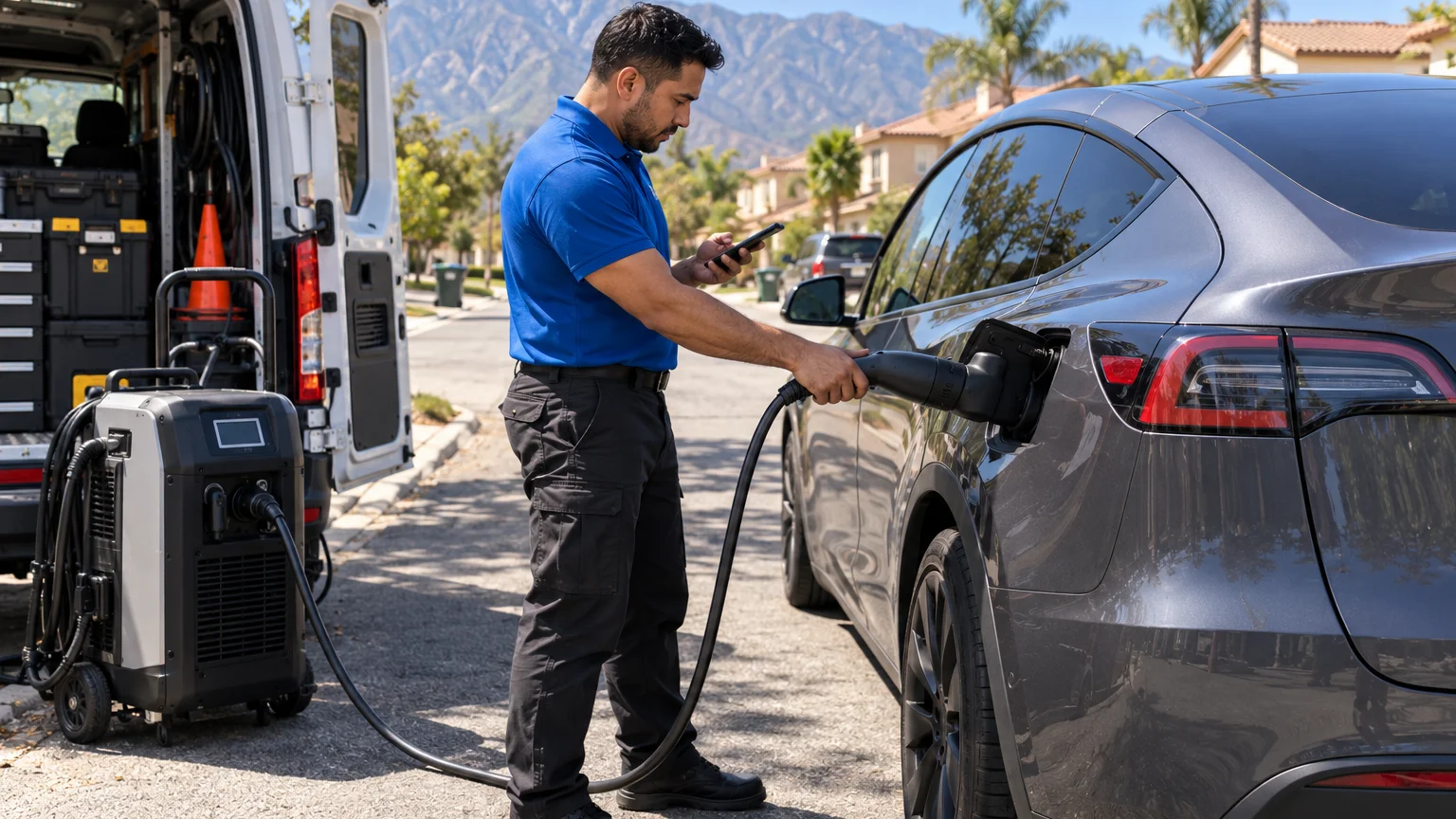
If the Model Y simply needs enough energy to reach a charging location, a matched operator may be able to provide a mobile Level 2 charge. The approved rescue figure is 10 to 20 miles of range during 15 to 30 minutes of charging. That describes charging time, not arrival time.
Save the trip details and warning messages. Tesla must determine whether the event falls within the coverage written for your vehicle.
Roadside help and warranty service are different
Roadside help solves an immediate location problem. Warranty service decides whether a documented vehicle condition qualifies under the applicable terms. One doesn’t guarantee the other.
A local rescue operator may help when the Model Y has no usable charge, won’t power up, or needs towing. That operator doesn’t approve Tesla warranty claims. The operator also can’t promise that Tesla will reimburse roadside work.
Tesla roadside benefits for a Model Y couldn’t be confirmed from an approved primary source for this page. Don’t assume that roadside help is included, free, or available for every event. Check the current Tesla app, your warranty documents, and any roadside plan attached to the car.
Before accepting roadside service, ask who will perform the work and what the operator proposes. Confirm whether the plan is a mobile charge, low-voltage support, or towing. Ask where the vehicle will go if towing becomes necessary. The independent operator sets and explains the price.
Charge Pro IE is a referral service. We connect drivers with licensed, independent local EV professionals. We don’t own rescue trucks, perform physical work, set prices, or provide warranties.
Our Tesla Roadside Rescue service is intended for drivers who need a local operator. It isn’t a Tesla warranty department or a replacement for Tesla service.
Preserve the roadside paperwork after the event. Keep the operator’s invoice, service description, photos, and any messages shown by the vehicle. Those records can help explain what happened. They don’t prove that the condition is covered.
If safety or vehicle condition requires a tow, handle the roadside need first. Ask Tesla about warranty eligibility separately, using the documents tied to your Model Y.
Where model year and vehicle records matter
A warranty answer needs the identity and history of the actual Model Y. The model name alone isn’t enough.
Begin with the full vehicle identification number. Then confirm the model year, configuration, original in-service date, and current odometer reading. Compare those details with the warranty document shown in the Tesla app or supplied with the vehicle.
Don’t copy coverage limits from another owner’s screenshot. Their Model Y may have a different configuration, production period, sale history, or governing document. This page doesn’t publish a universal limit because current Model Y terms couldn’t be confirmed in the approved claims ledger.
Service records also help separate a new incident from an existing concern. Gather earlier battery warnings, charging complaints, repair visits, and written findings. Include dates and the exact language used. If the issue appeared after previous work, keep that invoice with the current records.
Used-car owners should verify which documents apply to their vehicle. Don’t assume that remaining coverage transferred unchanged. Transfer rules and exclusions couldn’t be confirmed for this page. Ask Tesla to identify the current coverage attached to the VIN.
The Model Y’s build also matters during roadside troubleshooting. Tesla’s current manuals note that low-voltage jump locations vary by model, build, and low-voltage system. Instructions for another production version may not match your car.
Inland Empire owners have another practical reason to keep records available offline. A roadside problem may occur between population centers, in mountain areas, or where the vehicle can’t connect reliably. Save the warranty document and roadside details before a long drive.
A useful record set includes the warranty document, VIN, in-service date, odometer photo, warning photos, charging history, and prior service paperwork. That gives Tesla and the local operator separate facts for their separate roles.
What to verify before requesting local help
A short verification pass can prevent the wrong type of response. Start with what the Model Y is doing now.
Confirm whether the car is safely parked. Record its exact location, including the parking level or nearest cross street. Note whether it can shift, whether the wheels can roll, and whether the screen responds. Don’t attempt unfamiliar towing procedures yourself.
Next, check the charge-port behavior. Current Model Y manuals list several normal opening methods, including the touchscreen, a Tesla cable button, an authenticated physical press, and supported app, key, or voice methods. Don’t force the door if those methods fail.
If the screen, app, locks, and charge-port door are all unresponsive, report that full pattern. It may indicate a low-voltage-power issue, but it isn’t a final diagnosis. A working screen with very low displayed range points toward a different roadside need.
Have these details ready:
- The exact Model Y warning text
- The VIN, model year, and configuration
- The current odometer reading
- The displayed charge level, if visible
- Whether the screen, locks, and app respond
- Whether a charging attempt began
- The car’s exact location and parking access
- Your current Tesla warranty document
- Any roadside or insurance coverage documents
Tell the operator whether you’re seeking charging help, low-voltage assistance, or a tow assessment. Don’t describe the event as a warranty failure unless Tesla has made that determination.
Ask the independent operator to explain the proposed work and price before service begins. Charge Pro IE doesn’t set either one. If Tesla instructs you to use a particular destination or procedure, share those instructions with the operator.
Keep photos and paperwork after the Model Y is moved. Roadside facts can support a later conversation, while Tesla decides coverage under the vehicle’s current documents.
When to call us
Call when your Model Y is safely parked but needs a mobile charge, low-voltage help, or an operator who can assess the roadside situation. We’ll connect you with a licensed, independent local professional, while Tesla remains responsible for warranty decisions. Call us at (909) 250-2881 and we’ll connect you with a local EV rescue operator.