A Tesla warranty question often starts when the car won’t move. The key distinction is simple: basic vehicle coverage and battery coverage shouldn’t be treated as interchangeable. Your current, VIN-specific warranty document determines which section applies.
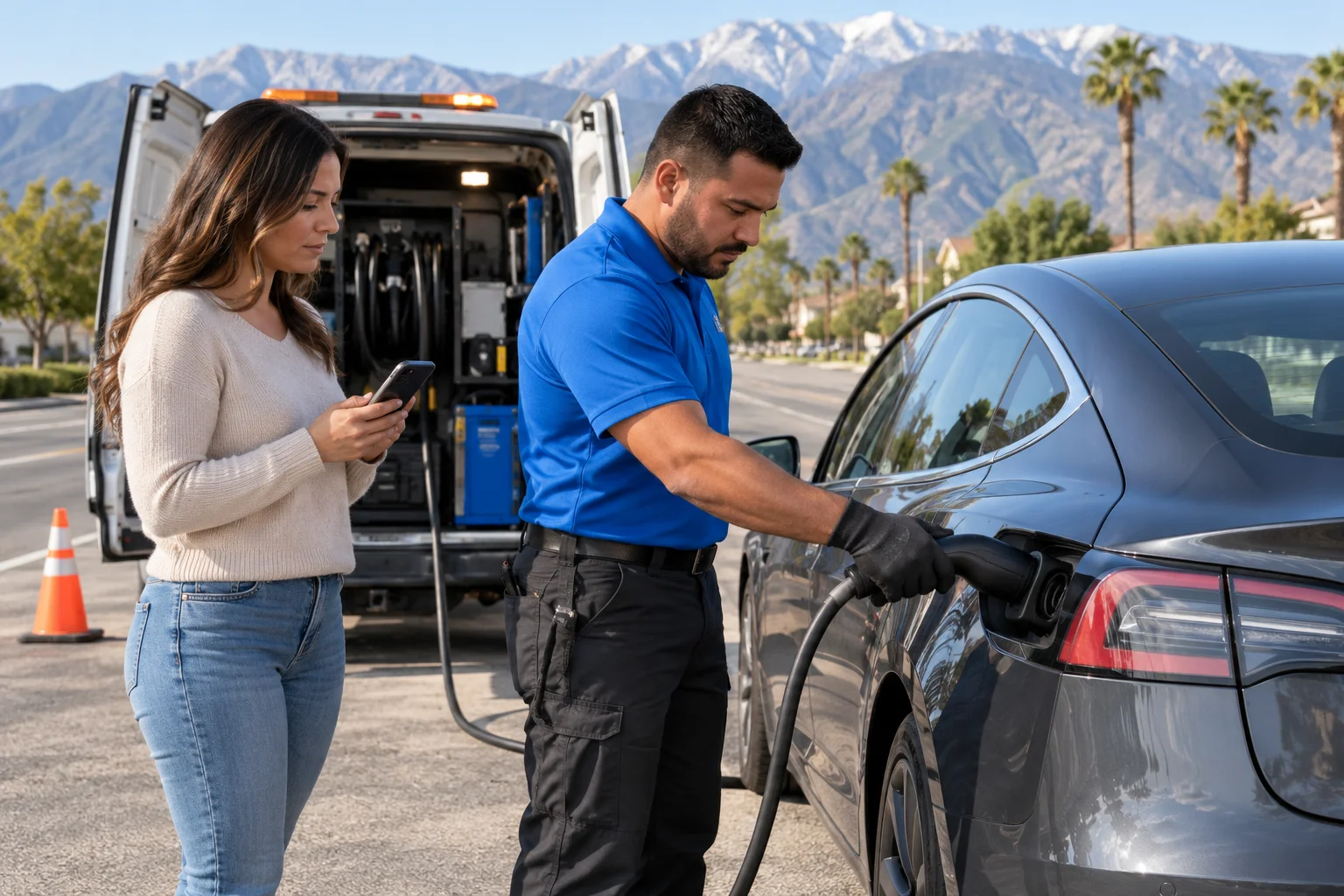
The two warranties cover different vehicle systems
Someone searching for “basic vehicle limited warranty Tesla” usually wants one answer: does the basic warranty cover the problem, or does the battery warranty cover it?
The approved research for this site doesn’t contain publishable Tesla warranty terms, mileage limits, dates, exclusions, or capacity promises. Tesla’s controlling primary warranty document couldn’t be confirmed for this page. We won’t substitute figures from memory or third-party summaries.
Instead, open the Tesla app and locate the current warranty document assigned to your vehicle. Confirm the VIN, original in-service date, model, configuration, and purchase history. Then compare the headings for basic vehicle coverage and battery or drive-unit coverage.
Start with the system showing symptoms. A door latch, display, seat control, or another general vehicle component isn’t the same system as the high-voltage battery. Likewise, a battery warning doesn’t automatically prove that the high-voltage pack has a covered defect.
Coverage also isn’t established by the name of a failed part alone. The cause, vehicle history, warranty language, and Tesla’s diagnosis may matter. Ask Tesla to identify the failed component and cite the applicable warranty section in writing.
Our separate guide to the Tesla battery warranty explains why owners should rely on their own documents. It doesn’t replace those documents or promise coverage.
This distinction matters across the Inland Empire. Tesla represented 61.7% of Riverside County battery-electric vehicles and 66.4% of San Bernardino County battery-electric vehicles in 2025, according to data published by the California Energy Commission. Many local drivers will eventually face this exact comparison.
Where a dead 12V may fit
A Tesla can have energy in its traction pack yet remain unresponsive. On current Model 3 and Model Y manuals, Tesla separates the external hood-release terminals from the under-hood jump points. The external terminals release the hood latches. They don’t charge the low-voltage battery.
That distinction helps identify the immediate roadside task. It doesn’t decide warranty coverage.
Symptoms may include an unresponsive screen, app, locks, or charge-port door. Tesla’s current manuals say those symptoms can indicate a low-voltage-power problem, but they aren’t a complete diagnosis. The exact access and jump-point arrangement varies by model, build, and low-voltage system.
Before requesting help, record what happened:
- Note every warning displayed before the car went dark.
- Save screenshots available in the Tesla app.
- Confirm whether the traction battery showed usable charge.
- Write down any recent service or low-voltage battery work.
- Check the model-specific manual before touching terminals.
Don’t assume the basic vehicle warranty covers a dead low-voltage system. This site’s approved sources don’t confirm that conclusion. Ask Tesla whether the low-voltage component and the cause of failure qualify under your current document.
A local operator can address the roadside condition without deciding the warranty claim. The operator may access the vehicle and use the correct low-voltage points for that model. Our Tesla Roadside Rescue service connects drivers with licensed, independent local operators.
Charge Pro IE doesn’t diagnose warranty eligibility, perform the jump, or provide Tesla warranty service. The matched operator handles the physical roadside work. Tesla determines whether later inspection or repair falls within its warranty terms.
Where a depleted traction pack may not fit
A traction battery at zero usable charge creates a different problem. It tells you the car needs energy or transport. It doesn’t establish why the battery reached that state.
The approved Tesla warranty research doesn’t confirm that ordinary depletion is covered. It also doesn’t provide a publishable exclusion, reimbursement promise, roadside benefit, or towing allowance. Check the warranty and roadside documents assigned to your car before relying on any benefit.
Separate the event from a possible defect. Driving until the available range is exhausted is one event. Unexpected shutdown despite a displayed charge is another. Unusual capacity loss, charging failure, and a warning tied to the battery are also different reports. Only a qualified diagnosis can connect a symptom to a failed component.
Our guide comparing a depleted Tesla pack with a breakdown walks through that first decision. The practical questions are straightforward:
- Did the displayed range decline normally during the trip?
- Did the car show a battery, drive-unit, or charging warning?
- Will the vehicle accept power from compatible equipment?
- Can the car safely remain where it stopped?
- Does the app direct you toward service or roadside support?
Location matters in the Inland Empire. A stop near a charger in Riverside isn’t the same as a stall on the Cajon Pass. I-15 climbs roughly 2,080 feet from Devore to its Cajon high point. Conditions and safe access may change the practical response, even though they don’t change the written warranty.
If the car simply needs enough energy to move, a mobile charge may help. If it reports a fault or can’t accept power, towing or Tesla service may be the better path.
How roadside assistance differs from warranty coverage
Warranty coverage addresses qualifying vehicle defects under a written agreement. Roadside assistance addresses an immediate disabled vehicle. One doesn’t automatically create the other.
A roadside provider may help with access, low-voltage power, mobile charging, a tire problem, or towing. That service doesn’t prove Tesla owes for the underlying repair. A warranty decision also doesn’t guarantee that a particular roadside event, tow, or operator charge is included.
Tesla’s current roadside benefits couldn’t be confirmed from an approved primary source for this article. That means no coverage list, distance allowance, eligibility period, price, or reimbursement promise should be assumed here. Check the Tesla app and the current roadside terms linked to your vehicle.
Our article about what Tesla roadside may cover uses the same careful approach. Your current app and documents remain the authority.
When contacting Tesla, ask direct questions:
- Is roadside help active for this VIN today?
- Is this event eligible under the current roadside terms?
- Is towing included, limited, or billed separately?
- Must Tesla arrange the service?
- Is prior authorization required for reimbursement?
- Where may the vehicle be taken?
Get the answer in writing when possible. Save app messages, service estimates, roadside receipts, and photographs of warnings.
Charge Pro IE is separate from Tesla. We connect stranded drivers with licensed, independent local operators. We don’t administer Tesla benefits, approve claims, set Tesla policy, or reimburse roadside expenses. The driver contracts and pays the matched operator directly.
What Inland Empire owners should verify first
Start with the car, not a generic warranty chart. Tesla documents may differ by vehicle, sale history, configuration, and controlling agreement. This site’s approved research doesn’t confirm the effect of those factors, so verify each one directly.
Use this order:
- Confirm the VIN in the Tesla app.
- Find the current warranty document linked to that vehicle.
- Check the original in-service date shown in your records.
- Identify the exact system producing the warning.
- Read the applicable coverage, exclusions, and claim procedure.
- Check the separate roadside-assistance terms.
- Ask Tesla to confirm eligibility before authorizing paid work.
Used-vehicle coverage needs the same document-first approach. The approved claims ledger doesn’t contain verified Tesla used-vehicle warranty terms. Don’t rely on a seller’s summary, an old screenshot, or terms written for another VIN. Ask Tesla which document governs the car today.
The same caution applies to extended coverage, service agreements, corrosion coverage, restraint-system coverage, and repaired parts. Those programs may appear under separate headings. Their current terms couldn’t be confirmed for this page.
Local conditions help with planning, but they don’t decide a claim. Riverside averages 21.7 days each year at or above 100 degrees at the municipal airport. Victorville averages 42.2 such days. The figures explain why Inland Empire owners pay attention to battery condition and range. They don’t prove that heat caused a covered failure.
Keep a small evidence file for the vehicle. Save the warranty PDF, purchase documents, service records, warning screenshots, and Tesla messages. If terms later change online, you’ll still have the document presented for your car.
When a local operator is still the practical call
Warranty eligibility and roadside need run on different timelines. A disabled Tesla may need access, low-voltage support, charging, or transport before anyone decides whether a component qualifies for coverage.
A local operator can focus on the physical condition. Tell the operator your Tesla model, approximate build year, location, displayed charge, warning messages, and whether the doors or screen respond. Don’t describe every dark Tesla as an empty traction pack. A low-voltage problem may produce similar outward symptoms.
If the vehicle can accept mobile Level 2 power, the approved rescue figure is 10 to 20 miles of range during 15 to 30 minutes of charging. That’s charging time, not an arrival estimate. Actual results depend on the vehicle and charging conditions.
A roadside operator’s work doesn’t replace Tesla diagnosis. It may only make the vehicle movable, accessible, or ready for transport. Keep the operator’s invoice and notes if you plan to ask Tesla about reimbursement. Charge Pro IE can’t promise that Tesla will pay them.
Choose the response based on the immediate problem:
- Request low-voltage help when the car appears dark or inaccessible.
- Discuss mobile charging when the traction pack is depleted.
- Request towing when the vehicle reports a fault or rejects power.
- Contact emergency services when the vehicle creates an immediate traffic hazard.
Charge Pro IE serves 49 cities and communities across eight Inland Empire regions. It operates as a referral service, not a roadside contractor. The licensed independent operator you select performs the work and explains any operator warranty.
When to call us
Call when your Tesla is stranded and you need a local operator for low-voltage help, mobile charging, or recovery. Check Tesla’s app first when you need a warranty or roadside-benefit decision.
Call us at (909) 250-2881 and we’ll connect you with a local EV rescue operator.