Your Tesla reaches Cabazon, but the expected charge never starts. Check the Tesla app before moving, identify whether the stall or vehicle rejected the session, then decide whether your remaining range supports another stop.
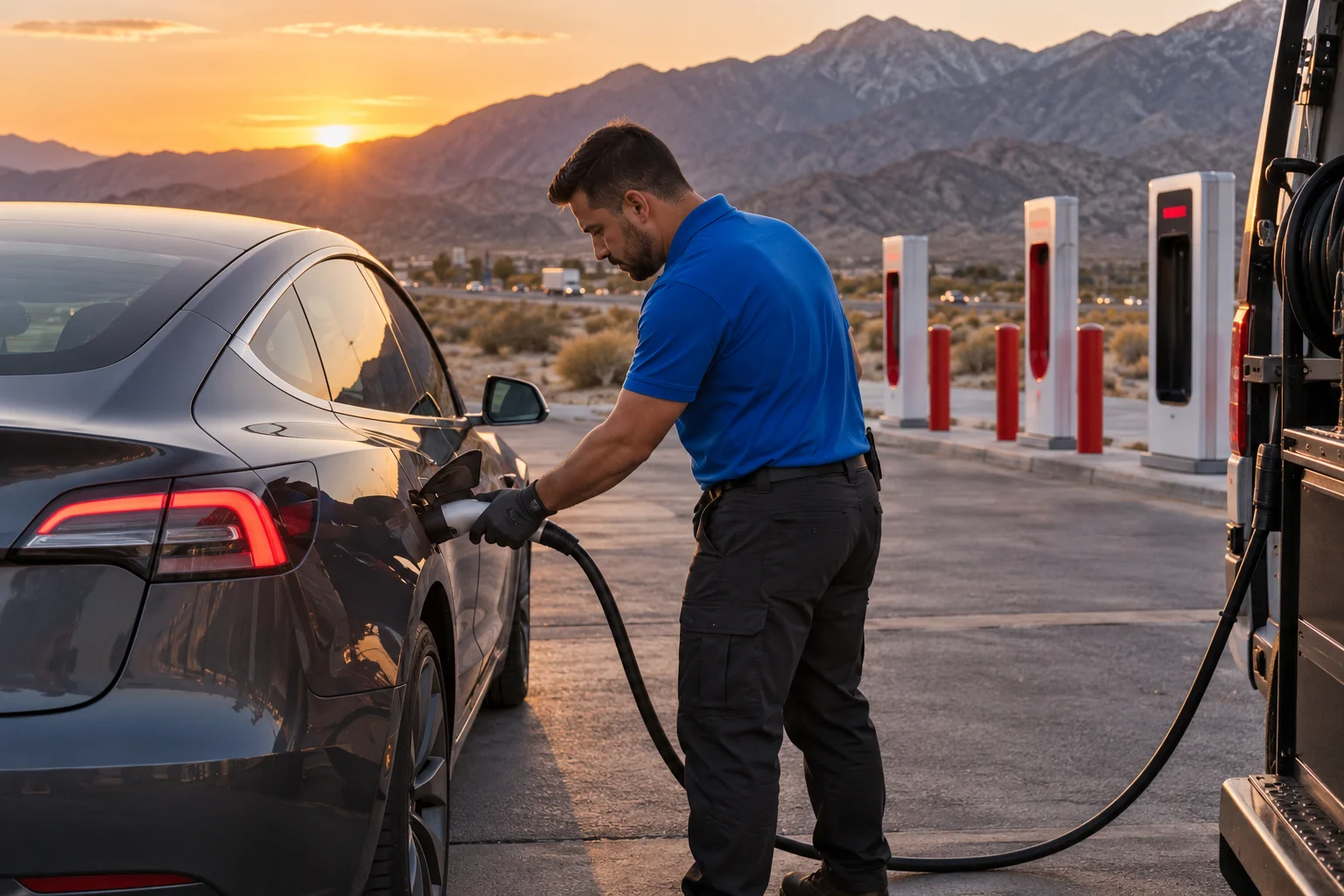
A charger listing does not confirm a working stall
A map listing confirms a known charging location. It doesn’t confirm that a particular stall works when you arrive. A site may appear on a station map while your session still fails, every usable space is occupied, or the vehicle rejects the connection.
The current live status of Cabazon’s Superchargers couldn’t be confirmed from the approved inventory. Check the Tesla app and the charging network before changing routes. The federal Alternative Fuels Data Center inventory can lag Tesla’s map, so it shouldn’t be treated as a live availability screen.
The verified federal inventory lists two Cabazon Supercharger locations. One is at 48400 Seminole Drive, at Desert Hills Premium Outlets. It lists 16 stalls. The other is at 48540 Morongo Trail and lists 12 stalls. Those counts were verified in September 2026, but they don’t establish current availability, connector access, fees, or operating status.
Make sure you’re checking the location where the car actually sits. Cabazon contains Desert Hills Premium Outlets, Cabazon Outlets, Morongo Casino Resort & Spa, and the Cabazon Dinosaurs. Several of those destinations sit along Seminole Drive, so a vague location name can cause confusion.
Before driving across the area, record what happened. Note the location, stall identifier, vehicle message, battery percentage, and whether charging ever began. That information helps distinguish one unsuccessful connection from a broader problem.
Check the Tesla app before leaving the parking lot
Open the Tesla app while the vehicle remains safely parked. Review the station information, the car’s battery level, and any charging message shown there. Don’t rely on a screenshot, an old route plan, or a search result for current station conditions.
If the app identifies another usable stall at the same site, follow its current instructions. If it redirects the vehicle, review the proposed route before leaving. A route suggestion isn’t useful when the displayed battery estimate leaves you uncomfortable reaching it.
Compare the app with the vehicle screen. Save the exact wording of any alert. “Charging stopped,” a connector warning, and a car that won’t wake up describe different situations. Don’t reduce all three to “the charger is broken.”
Check the simple details you can observe without opening equipment:
- Confirm that you selected the correct Cabazon location.
- Check whether the connector appears fully seated.
- Look for a message on both the vehicle and app.
- Note whether another stall produces the same result.
- Stop if the connector, cable, or equipment appears damaged.
- Follow the owner’s manual for vehicle-specific warnings.
Don’t force the charge-port door or connector. Tesla’s current Model 3 and Model Y manuals warn against forcing the charge-port door. If an adapter remains stuck, use the model-specific procedure rather than pulling harder.
If your battery is already too low for another charging location, stay parked while arranging help. Our guide to mobile EV charging in Cabazon parking lots covers that decision without assuming the car can reach another station.
Separate a charger fault from a vehicle fault
Start with one question: did only this connection fail, or can the vehicle no longer accept or begin any charge? Your observations matter more than a guess about the cause.
One failed stall points toward a station-side problem, but it doesn’t prove one. The same warning at multiple stalls raises a different concern. A dark touchscreen, unresponsive locks, or a charge-port door that won’t open can indicate a low-voltage-power problem, although those signs aren’t a complete diagnosis.
A vehicle that powers on normally but rejects each connection may need vehicle-specific support. Save the alert text and check the owner’s manual. Don’t clear warnings repeatedly just to make the message disappear. The operator or service provider needs the original symptom.
If the car has enough power to move safely within the lot, testing a different stall may provide useful information. Don’t move onto I-10 simply to test whether the vehicle will keep driving. The immediate goal is to identify a safe next step, not to prove the remaining-range estimate.
Also separate charging failure from a stuck adapter. Tesla’s current manuals treat adapter removal as its own procedure. At a public station, the instructions include stopping the session, unlocking the vehicle, and removing the public handle and adapter together. Manual releases vary by model and must not be used while charging.
When the traction battery is depleted, out-of-charge EV recovery may fit. When the car has usable range but refuses to charge, a tow or vehicle service path may make more sense. The symptom decides the response.
Why the I-10 pass changes your next decision
Cabazon sits in the San Gorgonio Pass. The named point is 1,589 feet above sea level, near Cabazon on the east side of the crest. The wider corridor reaches about 2,612 feet around west Beaumont. That terrain makes direction and remaining range part of the decision.
A charger failure here isn’t the same as one inside a dense city grid. You may be continuing through the pass toward the desert, returning toward Banning and Beaumont, or staying near Cabazon’s shopping and casino properties. Don’t choose a new charger solely because it appears first in search results.
The verified inventory shows two Supercharger sites in Beaumont, with 20 and 24 stalls, plus a 12-stall Calimesa site farther west. Cabazon itself has the two listed locations described above. These inventory figures don’t confirm live operation, open stalls, pricing, or whether your vehicle can reach them.
Check the Tesla app before committing to another route. Consider the battery percentage, the car’s own projected arrival level, present warnings, and the direction you intended to travel. If those signals conflict, avoid turning a parking-lot problem into an I-10 breakdown.
Cabazon is served by Southern California Edison, but that utility fact doesn’t identify who operates a charging stall or who handles a failed session. Use the charging network’s current support path for station problems.
If a route west points you toward Banning, our guide to EV roadside assistance in Banning explains the local rescue context. Banning sits between the Inland Empire and the Coachella Valley, so confirm your direction before arranging help.
Mobile charging versus a tow from Cabazon
Mobile charging and towing solve different problems. Choose based on what the vehicle can do now, not on what you hoped the charging stop would do.
Mobile charging may fit when the main battery is low, the car otherwise responds normally, and a modest charge could support a safe next move. The approved rescue figure is 10 to 20 miles of range during 15 to 30 minutes of Level 2 charging. That describes charging time only. It isn’t an arrival estimate or a promise for every vehicle.
A tow may fit when the vehicle won’t accept a charge, displays a fault requiring service, can’t shift or move normally, or needs more energy than mobile Level 2 charging can reasonably provide. The towing operator needs the vehicle model, exact parking position, accessibility, and current condition.
Neither choice should rest on an invented Cabazon price. Charge Pro IE doesn’t set prices. The independent operator quotes and bills the driver directly. Ask what service is proposed, what the quote covers, and where a tow would take the vehicle before accepting.
If the car is safely parked near the outlets or another Cabazon property, describe the exact entrance and parking area. Don’t provide only “Cabazon Supercharger.” The two verified Supercharger locations have different addresses, and nearby destinations can make a vague pickup description harder to use.
Our mobile EV charging service page explains what that option covers. If you’re still weighing the choices, compare your symptoms with the guide to mobile charging or towing.
How to match a local operator without an ETA promise
Start with information the operator can act on. Give the vehicle make and model, displayed battery percentage, exact Cabazon address, parking location, and the message shown by the car. Say whether the vehicle turns on, shifts, unlocks, and opens its charge port.
Then state the outcome you need. That might be enough mobile charge to reach a confirmed station, or a tow to a location that can receive the vehicle. Don’t ask an operator to decide from “the Supercharger isn’t working” alone. The phrase doesn’t separate an empty pack, low-voltage problem, stuck connector, charger rejection, or vehicle fault.
Ask the independent operator what service is available for your situation. Confirm the quote directly with that operator. Charge Pro IE doesn’t own chargers, charging equipment, or tow trucks. It doesn’t perform the work, set prices, give warranties, or promise an arrival time.
Be precise about access. The verified Cabazon locations are 48400 Seminole Drive and 48540 Morongo Trail. Share which address applies, then add the nearest lot entrance or visible landmark. Avoid sending sensitive account details or payment information through an informal message.
If the vehicle is in a traffic lane, treat that as an emergency and contact emergency services. If it’s safely parked, remain with the current facts. Don’t drive onto I-10 merely because an unsourced map result suggests another charger nearby.
Charge Pro IE connects drivers with licensed, independent local operators. The matched operator evaluates the job, explains the proposed service, and provides its own timing and price. That keeps the decision tied to the vehicle’s actual condition.
When to call us
Call when your EV is safely parked in Cabazon, can’t start a charging session, and needs either mobile charging or a tow. Call us at (909) 250-2881 and we’ll connect you with a local EV rescue operator.