A Tesla connector that won’t release can turn a routine stop into a stressful delay. Stop pulling, leave the connector seated, and identify whether you’re dealing with the cable lock, an adapter, or lost low-voltage power.
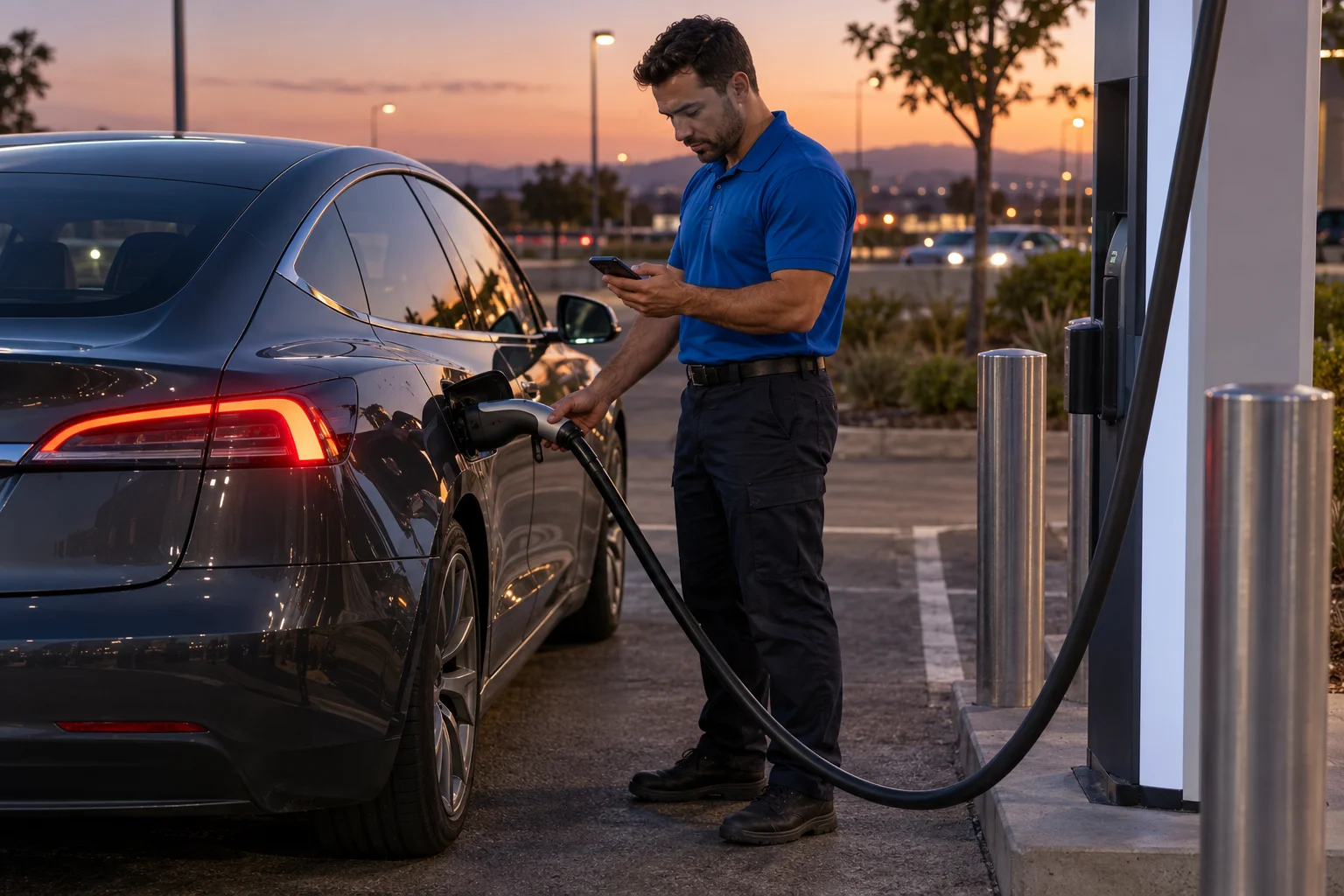
Stop pulling when the connector stays locked
If your Tesla charger is stuck in the car, don’t twist or pry it. Don’t pull harder against a connector that still feels locked. That can turn a release problem into damage around the handle or vehicle inlet.
First, support the handle so the cable isn’t hanging at an angle. Leave everything connected while you check the charging status. The goal is to confirm that charging has stopped and the car has received an unlock command.
Current Tesla Model 3 and Model Y manuals list several normal ways to open or control the charge port. Those include the touchscreen, the button on a Tesla charging cable, an authenticated press on the port door, and supported app, key, or voice controls. Available methods can depend on the car and its setup.
Try the ordinary controls you already use with that Tesla. End the charging session through the car, app, or public station interface. Unlock the vehicle, then operate the connector button normally. Don’t invent a button sequence or repeat random lock commands from an online forum.
A cable stuck at a public charger presents two separate questions. Is the vehicle holding the connector, or is the station still controlling the session? Look at both displays before taking further action.
The same approach applies at verified Inland Empire charging locations, including South Vineyard Avenue in Ontario and Canyon Springs Parkway in Riverside. Location doesn’t change the release sequence. The exact Tesla model, charging equipment, and adapter arrangement do.
Our broader guide to an EV charge-port cable that won’t release covers non-Tesla situations. For a Tesla, keep using instructions written for the exact vehicle.
Check whether the car still has low-voltage power
A dark screen changes the problem. So do unresponsive locks, an unavailable app connection, and a charge-port door that won’t respond normally.
Current Tesla guidance says that a fully unresponsive screen, app, locks, and charge-port door can indicate a low-voltage-power problem. That pattern isn’t a complete diagnosis. It does tell you that repeated unlock commands may not reach the locking hardware.
Check the whole car, not only the connector. Does the touchscreen wake? Do the doors respond? Can the app communicate with the vehicle? Does the charge screen show a session or an unlock control? These observations help separate a connector complaint from a wider power problem.
Don’t assume the main battery is empty because the car appears dark. The approved evidence doesn’t support diagnosing the exact failed component from appearance alone. A licensed operator or repair provider may need to inspect the vehicle.
Tesla’s current Model 3 and Model Y manuals also distinguish two low-voltage access points. External terminals behind the tow-eye opening release the hood latches only. They don’t charge the low-voltage battery. The actual jump-post and ground locations vary by model, build, and low-voltage system.
That distinction matters. Don’t connect power to an exposed point because a photo looks similar. Check the current owner’s manual tied to your car before touching any low-voltage connection.
Our guide to a Tesla charge-port door that won’t open explains the related symptoms. If the car has lost low-voltage power, connector release may be only one part of the roadside problem.
Separate a cable lock from an adapter problem
A Tesla charging cable stuck in the port isn’t always one piece of hardware. At some public stations, the public charging handle connects through an adapter. The handle and adapter can separate, leaving the adapter locked inside the Tesla.
Look closely without pulling anything apart. If there’s an adapter between the public handle and vehicle inlet, treat the two components as one assembly until the normal release process says otherwise.
Current Tesla manuals give a specific sequence for a public charging station. Stop charging and unlock the vehicle. Hold the public charging handle and adapter together. Press the handle button, then remove the handle and adapter together.
If the public handle has already separated and the adapter remains in the vehicle, Tesla’s current guidance says the touchscreen can unlock the charge port. Use the car’s displayed control instead of trying to hook, pry, or rotate the adapter.
That’s different from a Tesla connector remaining attached as one complete unit. It’s also why generic cable advice may not solve an adapter problem. Our dedicated guide explains what to do when a Tesla charging adapter is stuck.
Don’t use the adapter procedure if no adapter is present. Don’t assume every public handle releases the same way. The station may also provide its own stop control or support instructions.
A failed release doesn’t prove the charger is bad. The approved evidence doesn’t provide a universal roadside test for that conclusion. Check what the vehicle and station display. Then report the exact message to the station provider or responding operator.
What the app and vehicle controls may reveal
The app and touchscreen can help you describe what’s happening. They may show whether charging appears active, stopped, interrupted, or unavailable. They may also provide the normal charge-port unlock command.
Start with the vehicle’s own status. If charging still appears active, use an available normal control to stop it. If the session appears stopped, unlock the car and try the connector button without pulling sideways.
Next, compare the station display. A public charger may show a different session state from the Tesla. Don’t assume one screen has completed the command because the other screen changed. Leave the cable seated while you review both.
There isn’t an approved universal sequence for restarting Tesla charging after every connector fault. The correct next step can depend on the vehicle, station, cable, adapter, and message shown. Follow the current Tesla manual and the station’s on-screen directions. Don’t repeatedly start and stop the session merely to test the latch.
Record the exact wording of any message. A photo of the vehicle screen and station display can help when you request support. Also note whether the touchscreen, locks, app, and charge-port controls respond.
These details are useful at busy Inland Empire stops. A driver at the verified E C Street site in Ontario may face different equipment than one at the verified 9th Street site in Riverside. The car’s current display and the connected hardware matter more than a generic online fix.
If the connector releases but the Tesla still won’t accept energy, use our guide for a Tesla that won’t charge. A release failure and a failed charging session need different troubleshooting.
When the manual release may differ by model
The manual release is a last resort, not the first control to try. Current Tesla manuals say it must not be operated while the vehicle is charging.
Before considering it, confirm that the charging session has stopped. Try the normal touchscreen, app, lock, and connector controls available for your car. If a public handle and adapter are involved, follow the adapter sequence first.
The manual-release location varies by model. The approved Tesla guidance covers Model 3, Model Y, Model X, and Cybertruck, but it doesn’t support publishing one location for every Tesla or every model year. Build differences can also matter.
Open the current owner’s manual for the exact Tesla. Find the charging section and the manual charge-port release instructions. Match the model and current documentation before opening trim or reaching into an access area.
Don’t copy a release location from another Tesla. Don’t follow a video simply because the interior looks similar. A procedure for a different model or build may direct you to the wrong area.
Stop if the manual’s description doesn’t match what you see. The same applies if the release feels jammed, the cable housing appears damaged, or the charging state can’t be confirmed. A roadside delay is better than damaging the inlet or touching an unidentified component.
The current manual is also the authority when online instructions disagree. Charge Pro IE doesn’t publish a universal release location because the verified guidance says it varies. The Tesla Roadside Rescue service can connect Inland Empire drivers with licensed local operators when normal controls don’t solve the problem.
When to request roadside help instead
Request help when the connector remains locked after the normal controls and exact manual instructions. You should also stop troubleshooting if the Tesla has no responsive screen or locks, charging won’t stop, the hardware looks damaged, or the documented release doesn’t match your car.
Tell the operator whether you’re using a Tesla cable or a public handle with an adapter. Share the model, charging location, screen messages, and which controls still respond. Mention whether the cable remains connected to the station.
A mobile operator may be able to assess a low-voltage or roadside charging problem. Connector damage, a vehicle fault, or station hardware may require a different provider. Charge Pro IE connects drivers with licensed, independent local operators. The operator quotes and bills the driver directly.
If the cable releases but the main battery is too low to continue, mobile EV charging may be the relevant service. An approved Level 2 rescue charge can provide 10 to 20 miles of range during 15 to 30 minutes of charging. That figure describes charging time, not arrival time.
If you’re beside moving traffic, focus on your immediate surroundings and request the appropriate emergency assistance.
When to call us
Call when normal Tesla controls don’t release the cable, low-voltage power appears unavailable, or the car can’t continue after disconnecting. Charge Pro IE can match you with a licensed, independent local operator serving the Inland Empire.
Call us at (909) 250-2881 and we’ll connect you with a local EV rescue operator.